On-device AI · Private iCloud sync · No tracking
Your voice notes, finally turned into tasks.
Stop re-listening to long voice messages. Voctara turns them into clean text and sends the to-dos to Apple Reminders in one tap — processed entirely on your device, on iPhone, iPad and Mac.
- 100% on-device
- No account needed
- Private iCloud sync
From voice note to done — in three steps
Drop a voice message
Share or drag in any voice note — from WhatsApp, Slack or Signal.
Voctara listens, on your device
Apple's on-device speech writes the transcript; a local model pulls out the to-dos — no cloud, no account.
Send to Apple Reminders
Read the summary and checklist, then add to Apple Reminders in one tap — due dates and priority included.
The one-tap workflow
From voice note to Apple Reminders
Voctara reads the to-dos out of what you said and drops them into Apple Reminders — with the due date and priority it heard.
What Voctara hears → what it creates
“Send the invoice to Ms. Miller today, and finish the deck by Friday.”
- One tap, or add them all — A single item or the whole list at once.
- Your list, your way — Route tasks to any Reminders list you choose.
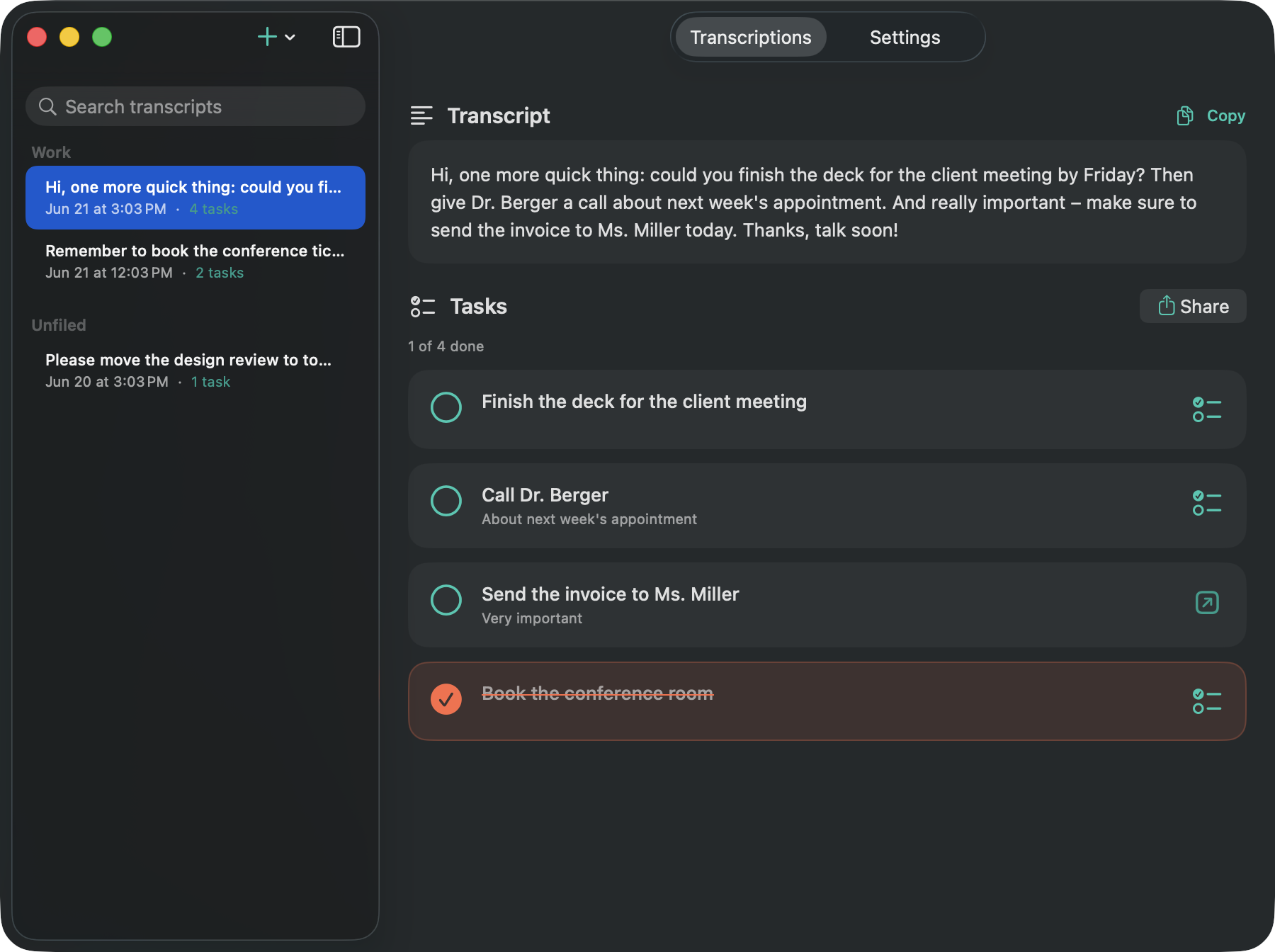
Private by design
Everything runs on your device
Your voice notes never leave your device. Transcription and task extraction run locally on Apple's on-device models — no cloud, no account.
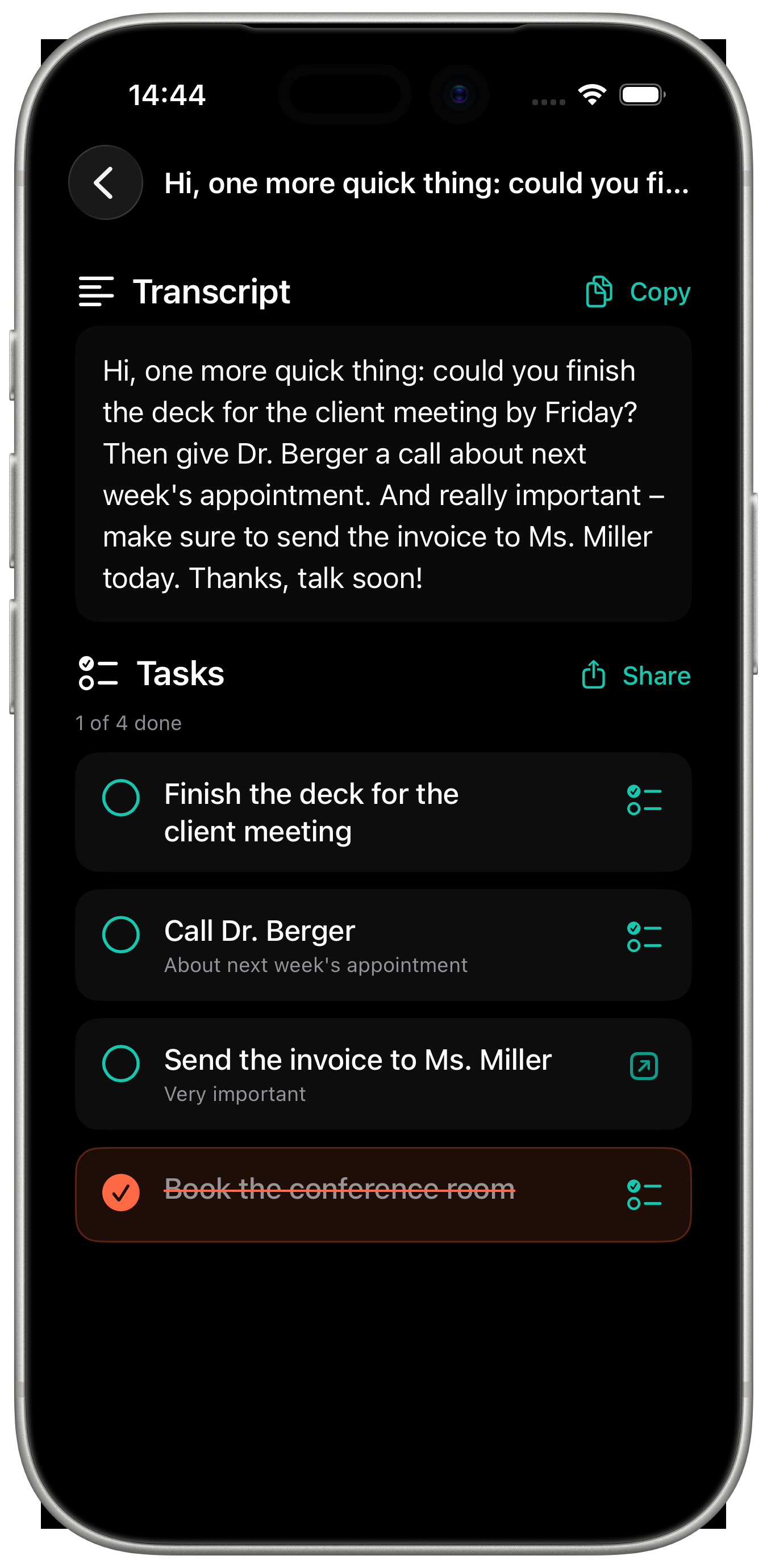
Built for real messages
Compatible with every app
Share or drag in a message and get a clean transcript plus a checklist in seconds.
- Share-sheet fast — Send a voice memo to Voctara from any app you're in.
- Clean transcript too — Copy as text or Markdown whenever you need it.
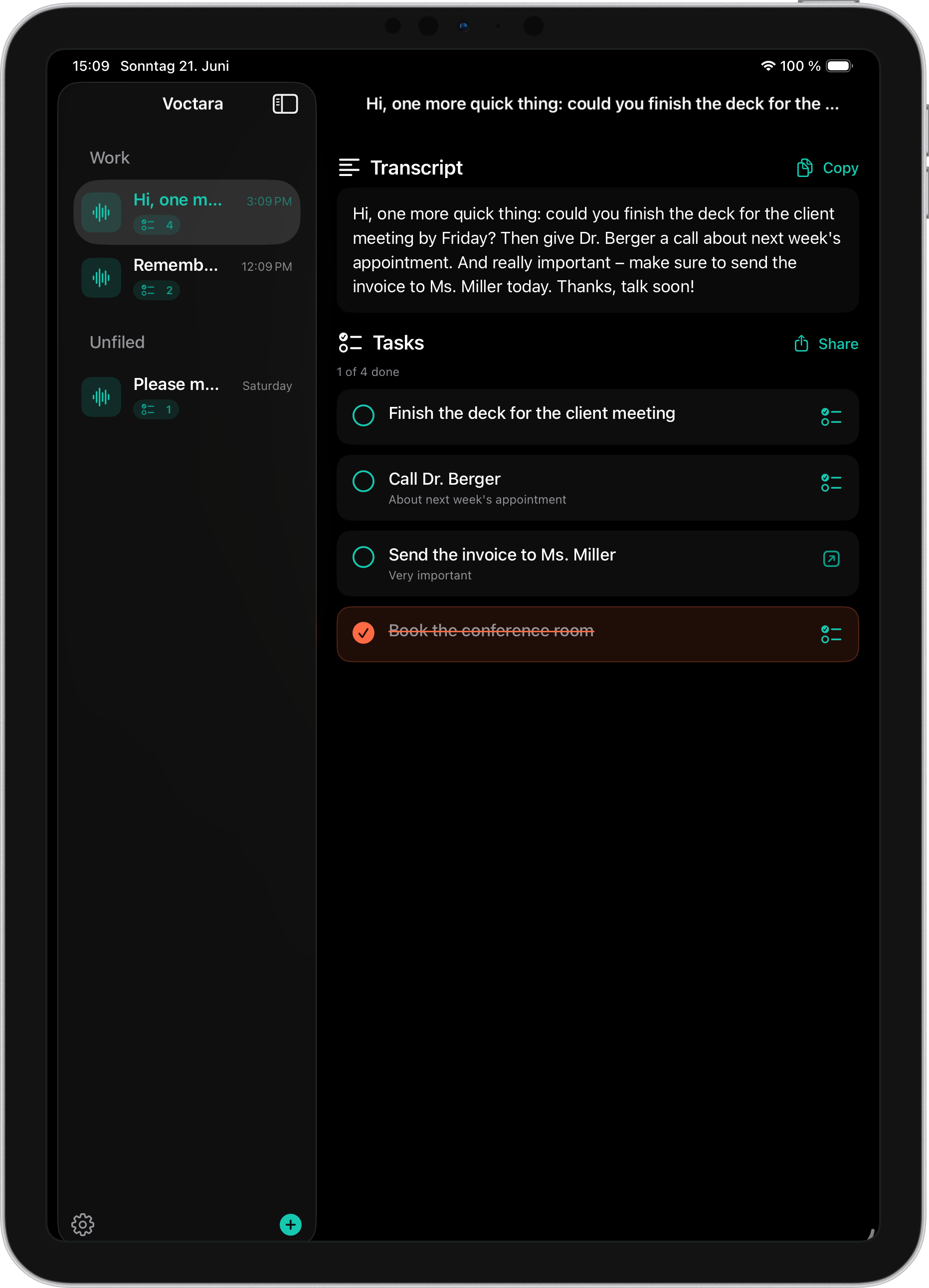
Voctara Pro
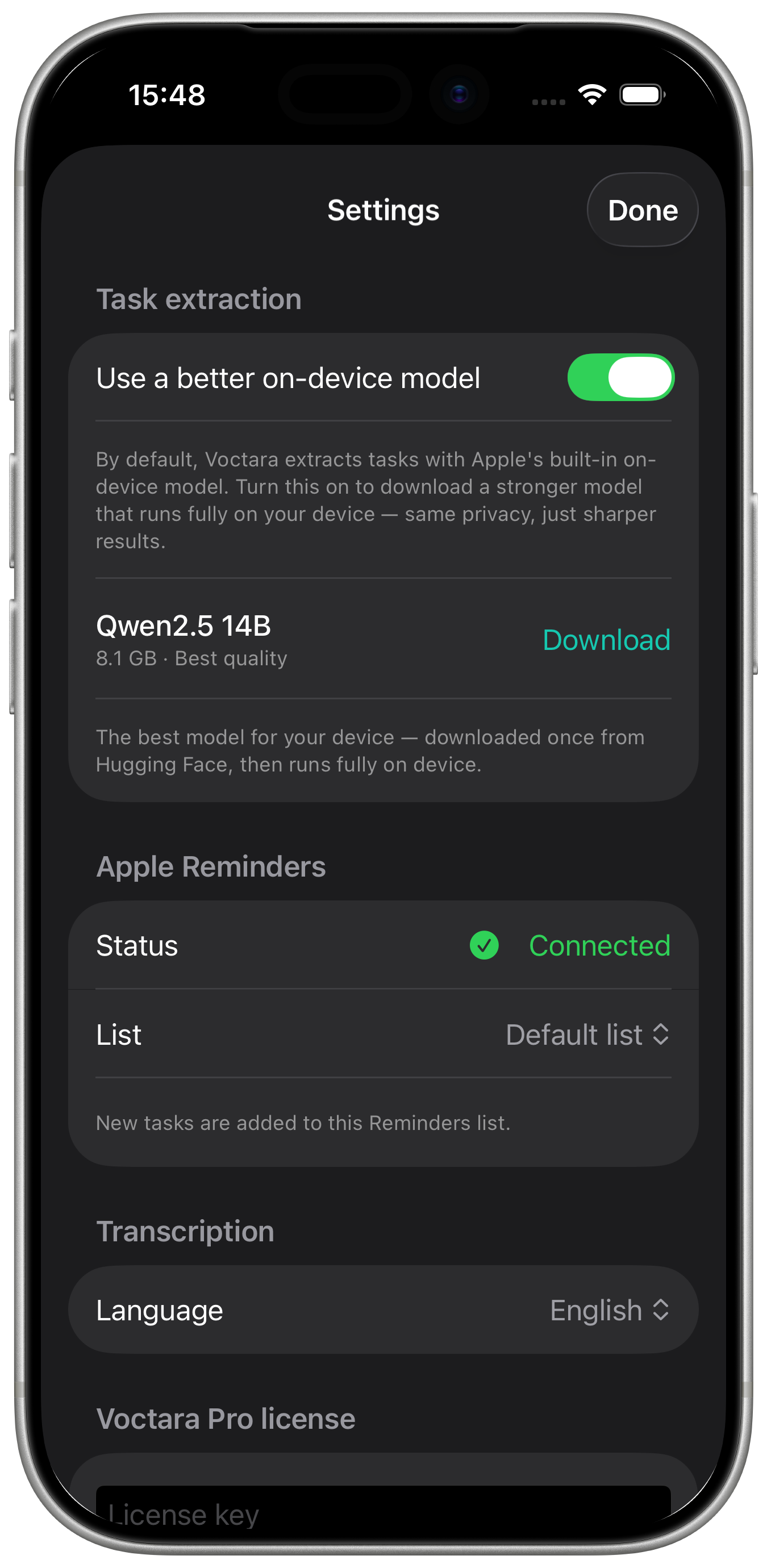
A stronger AI model — still on your device
Pro can download a sharper on-device model: one download, noticeably better task extraction, and your audio still never leaves the device.
Privacy-first, by design
Voctara does all the work — transcription and task extraction — right on your device, with Apple's built-in on-device AI. When you use more than one device, your transcripts and checklists sync through your own private iCloud: encrypted by Apple, never routed through us.
On-device AI
Transcription and action-item extraction run on your Mac, iPhone or iPad — never on our servers.
Your iCloud, not ours
Sessions sync through your own private, Apple-encrypted iCloud. We never see your data.
No account, no tracking
No Voctara sign-up and no analytics. Just open the app and go.
Why I built Voctara
“I get most of my feedback as voice messages. I wanted a dead-simple way to turn them into tasks — without sending anything to the cloud. So I built Voctara to do it right on my own devices.”
— Rafael, maker of Voctara
Loved by people who live in their voice notes
“People are always sending me voice memos, but often I just can't listen in the moment. Having Voctara transcribe them is a lifesaver.”
“Once I knew my data really stays private, Voctara became my favorite app.”
“Finally, something turns my full voicemail into a task list — without any typing. Just magic.”
Free to use. Pro is a one-time unlock.
Download Voctara and use it for free. Unlock the Pro features with a single one-time purchase — no account, no subscription.
Free
€0
The full app, free. Everything you need to get started.
- Unlimited transcription — any length, any language
- Tasks pulled out of every voice message
- Copy & Copy as Markdown
- Add to Apple Reminders — one item at a time
Pro
€9.99 once
Everything in Free, plus:
- Add all to Reminders in one tap
- Due dates & priority written onto your reminders
- Choose which Reminders list tasks go to
- Projects — related voice notes in folders
- A stronger on-device AI model — one download, sharper task extraction, same privacy
Pay once. No account, no subscription.
Questions, answered
No. Transcription and task extraction run entirely on your device — your audio is never sent to us.
Drop a voice note. Get your tasks.
Share your next voice message and let Voctara pull out the tasks — free, on-device and private, no account needed.